
Check-in Procedure
Check in with:
The Park District welcomes many visitors each and every day. In an effort to direct and connect with our visitors, all Ridgeland Common Recreation Complex (RCRC), PDOP pools, and Community Recreation Center (CRC) visitors ages one year and up are required to check in with staff upon entering the facility. Read on to see the quick and easy options for checking in:
Download the Amilia App
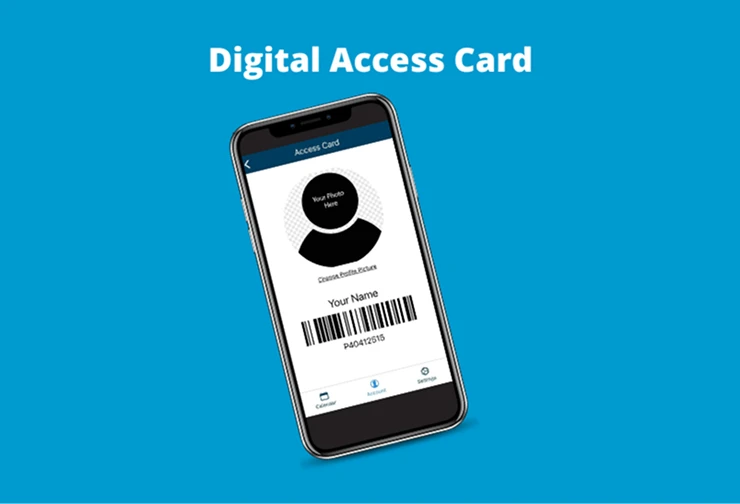
The Amilia Digital Access Card is the quickest and easiest way to check in! Click the buttons below to download the Amilia app.
Situations & Examples
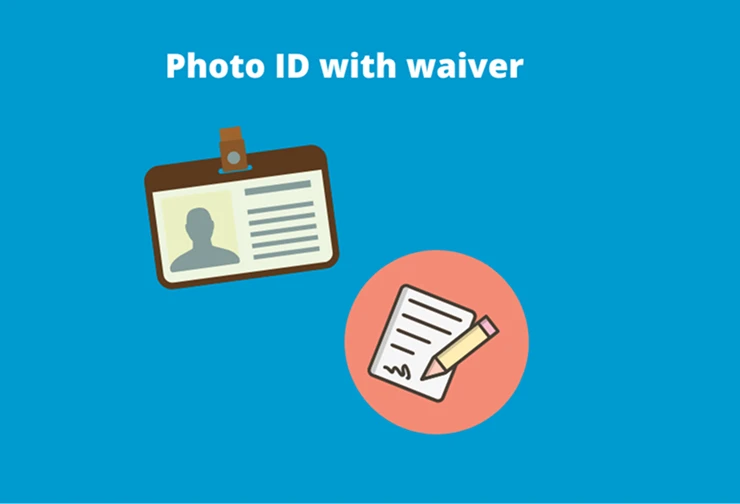
Taking or observing a class? Show your mobile Digital Access Card located in your Amilia account OR show a picture ID and sign a waiver.
Dropping off for a class? Show your mobile Digital Access Card located in your Amilia account. Then, staff will direct you to the drop-off area.
Visiting customer service? Let check-in staff know and proceed to Customer Service.
Visiting the facility? Show your mobile Digital Access Card located in your Amilia account OR show a picture ID and sign a waiver.
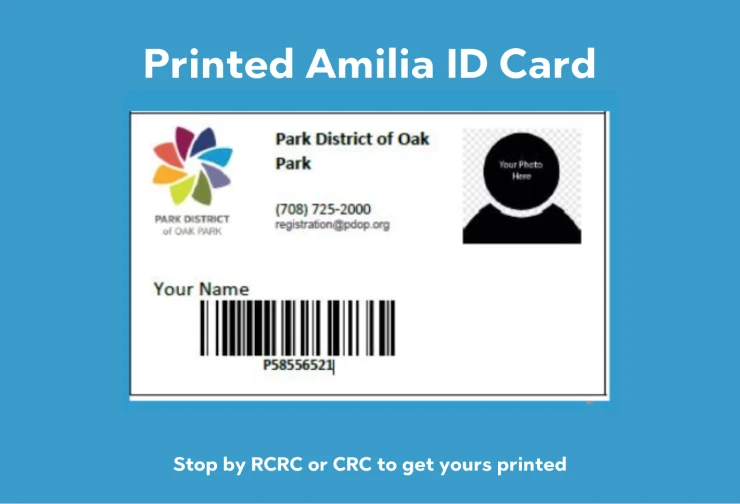
Please note: You may still use your Universal Access Card if you have one. We can also look up your name in our system; however, this process may take time and all Amilia account holders will be scanned first.